
Today’s Menu (30-second skim)
- Navia breach: 2.7 million FSA/HSA/COBRA benefit accounts exposed — SSNs included
- Microsoft Azure Monitor hijacked: real Microsoft emails used to run callback phishing scams
- VoidStealer malware: new Chrome attack steals all your saved passwords without admin access
1) Navia breach: 2.7 million benefit accounts exposed — including Social Security numbers
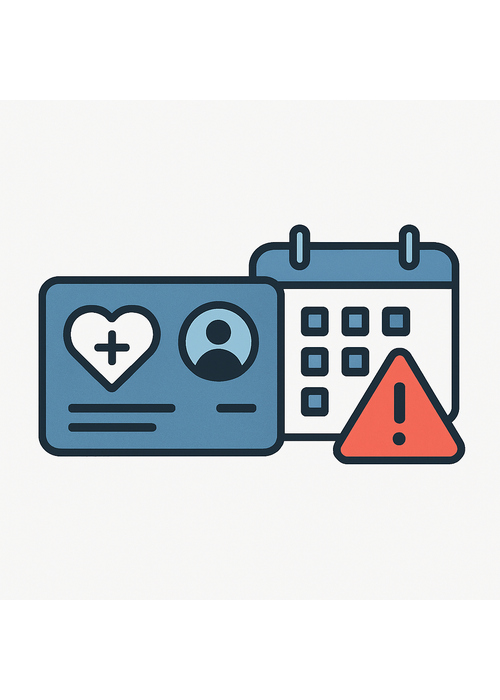
What happened (plain English): Navia Benefit Solutions, a company that manages Flexible Spending Accounts (FSA), Health Savings Accounts (HSA), COBRA health continuation coverage, and commuter benefits for over 10,000 U.S. employers, disclosed this week that hackers broke into its systems between December 22, 2025 and January 15, 2026. The company discovered the intrusion on January 23. The stolen data includes full names, dates of birth, Social Security numbers, phone numbers, email addresses, and details about FSA, HSA, HRA, and COBRA enrollment. Nearly 2.7 million individuals are affected. No claims history or financial account numbers were taken, but SSNs plus benefits enrollment data is more than enough to enable identity theft.
Why it matters to you: Most people never heard of Navia — but if your employer uses them to manage your health benefits, your SSN may have been taken. This is the pattern with benefits administrators: they hold highly sensitive data on millions of employees, they are attractive targets, and most people don’t know they exist until a breach letter arrives. With a Social Security number, a criminal can file a fake tax return in your name, open new credit accounts, and make fraudulent medical claims. The fact that hackers had access for 24 days before detection makes it likely the data has already been distributed or sold.
How to protect yourself (do this):
- If you received (or receive) a breach letter from Navia, enroll in the free Kroll identity monitoring they are offering — don’t ignore it.
- Consider placing a credit freeze with all three major bureaus (Equifax, Experian, TransUnion) — it’s free and stops new accounts being opened in your name.
- File your 2025 tax return as early as possible to prevent a fraudster from filing first.
- If you’re not sure whether your employer used Navia, ask your HR department.
Published: March 19, 2026
Source: BleepingComputer
2) Microsoft Azure Monitor hijacked: real Microsoft emails used in callback phishing scam
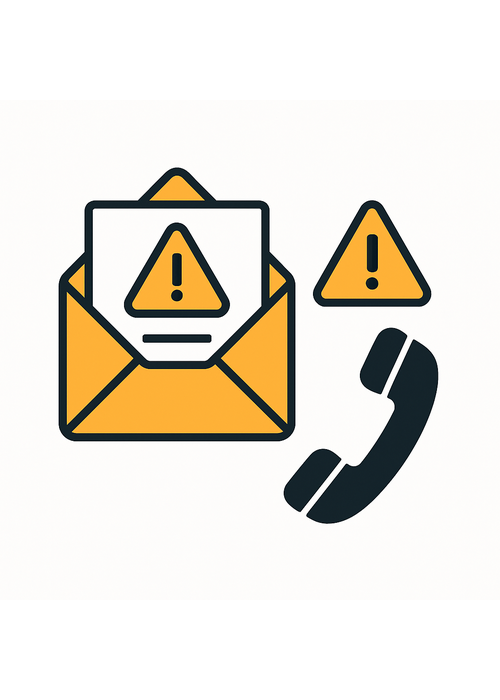
What happened (plain English): Security researchers have confirmed that scammers have found a way to send official-looking Microsoft billing alerts using Microsoft’s own Azure Monitor platform — with a real Microsoft email address (azure-noreply@microsoft.com). The emails warn recipients of a suspicious charge, typically around $389 for “Windows Defender,” and urge them to call a phone number immediately to dispute the charge. When you call, you’re connected to a scammer — not Microsoft — who will try to take remote access of your computer or steal payment details. Because the emails pass all technical email security checks (SPF, DKIM, DMARC), they sail through spam filters and look completely legitimate.
Why it matters to you: This is a particularly dangerous scam because the email is not fake. It genuinely comes from Microsoft’s infrastructure. Your email client will show it as authenticated. There’s no misspelling in the sender address. The only clue that something is wrong is the content — a fake billing charge and a phone number to call. Callback phishing (“we called you, now you call us”) is one of the fastest-growing scam categories. Once you call, attackers will pressure you to install remote access software so they can “fix” the problem — and then drain your accounts.
How to protect yourself (do this):
- Microsoft will never cold-email you with an urgent billing charge and ask you to call a phone number. Full stop.
- If you receive an email like this, do not call the number. Go directly to account.microsoft.com and check your actual billing history there.
- If you already called and gave someone remote access, immediately disconnect your computer from the internet, change your passwords from a different device, and contact your bank.
- Warn relatives who might trust an email that appears to come from Microsoft — the official-looking sender is what makes this scam effective.
Published: March 21, 2026
Source: BleepingComputer
3) VoidStealer: new malware steals all your Chrome passwords without needing admin access
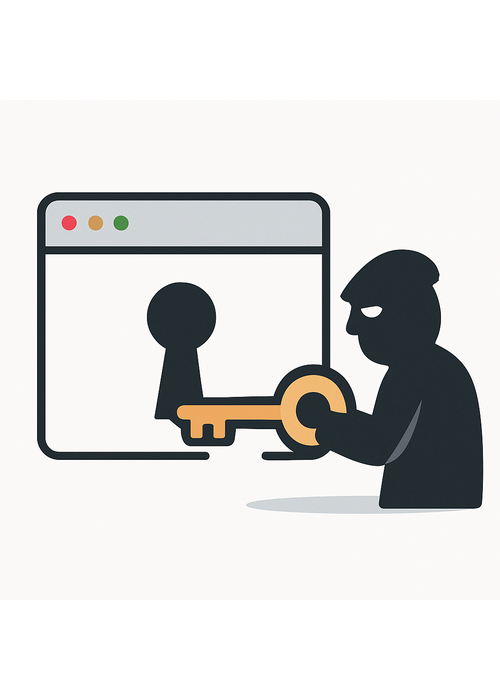
What happened (plain English): Security researchers at Gen Digital (the company behind Norton, Avast, AVG, and Avira) have identified a new malware called VoidStealer that can bypass Google Chrome’s built-in password encryption — a security layer called Application-Bound Encryption that Google introduced in 2024 specifically to stop this kind of theft. VoidStealer uses a novel technique involving hardware-level debugging tools to extract Chrome’s master decryption key directly from the browser’s memory, without requiring administrator-level access to your computer. Once it has that key, it can decrypt and steal every saved password, cookie, and other sensitive data stored in Chrome. VoidStealer is sold as a service to criminals online.
Why it matters to you: Most people use Chrome’s built-in password manager or have dozens of saved passwords in their browser because it’s convenient. This malware — once it gets onto your computer through a malicious download, fake software update, or email attachment — can silently drain your entire saved password vault in seconds. What’s notable here is that Chrome’s newest protections, which Google touted as a major security improvement, have been bypassed. The malware is being sold to multiple criminal operators, meaning this is not just a theoretical threat.
How to protect yourself (do this):
- Move your most important passwords (banking, email, healthcare) out of Chrome and into a dedicated password manager like Bitwarden or 1Password, which have additional protections.
- Enable two-factor authentication (2FA) on your email, banking, and any account tied to financial information — even if a password is stolen, 2FA stops the attacker from logging in.
- Never download software from unofficial sites or pop-ups, and be skeptical of any “update required” message you didn’t initiate.
- Keep Chrome and your operating system updated — Google is actively working on patches.
Published: March 22, 2026
Source: BleepingComputer
Grandma’s Firewall
One simple rule, every week. Print it. Share it. Make it stick.
This week’s rule: If they emailed you and now they want you to call them back — hang up and call the official number yourself.
Scammers love the callback trick because it makes the victim feel like they initiated the call. They send a scary email, you panic, you call — and now you’re talking to a criminal who sounds professional and has all the time in the world to manipulate you.
Script 1 — What to say when you get a scary billing email:
“I’m not going to call that number. I’m going to go to the official website and check my account myself. If there’s a real problem, it will be there.”
Script 2 — What to say to a family member who already called:
“Stop. Disconnect from the internet right now. Don’t type anything else. Let me help you from a different phone.”
Forward this to one person who might fall for a fake Microsoft billing email. That’s this week’s mission.
— Philip | Human In[Security]
![Human In[Security] Die-cut stickers](https://humaninsecurity.com/wp-content/uploads/2026/01/die-cut-stickers-satin-6x6-front-697d1d26150e0-300x300.jpg)
![Human Network In[]Security Cotton Heritage MC1082 I Men's Premium Short Sleeve Tee](https://humaninsecurity.com/wp-content/uploads/2026/01/cotton-heritage-mc1082-i-mens-premium-short-sleeve-tee-vintage-white-front-697d1df2a58b4-300x300.jpg)
![Official Human In[Security] Unisex Hoodie](https://humaninsecurity.com/wp-content/uploads/2026/01/cotton-heritage-m2580-i-unisex-premium-pullover-hoodie-carolina-blue-front-697d24c26e85b-300x300.jpg)