

Today’s Menu (30-second skim)
- Texas license breach may have exposed data for more than 3 million hunters and anglers: A Texas vendor breach may have exposed license holders’ contact and ID details, giving scammers plenty to work with.
- Scammers are targeting people who are already locked out of Instagram: Fake Instagram recovery helpers are tricking panicked users into handing over codes, money, and even more access.
- New Android malware can fake banking screens and steal logins: A new Android threat can throw fake banking screens on your phone and grab passwords, card details, and texted security codes.
1) Texas license breach may have exposed data for more than 3 million hunters and anglers

What happened (plain English): Texas officials said a company connected to hunting and fishing license sales had a cybersecurity incident. More than 3 million customers may have had personal information exposed, including email addresses, phone numbers, home addresses, driver’s license numbers, and in some cases passport numbers. The state said Social Security numbers, birth dates, and payment card information were not accessed. That is good news, but the exposed details are still the kind criminals love to collect. People who may be affected were offered free credit monitoring and told to watch for suspicious activity and phishing messages.
Why it matters to you: A criminal does not need your bank password to make trouble. Your address, phone number, and ID details can be enough to build a convincing scam around you. Someone could call pretending to be a Texas agency, mention your license, and pressure you to “verify” more personal information. Someone else could use those details in an identity theft attempt, or send fake refund and renewal texts that look real enough to fool a busy person.
How to protect yourself (do this):
- If you may be affected, sign up only through the official notice or phone number from Texas Parks and Wildlife, not from links in random messages.
- Watch your credit reports, bank statements, and mail for anything you do not recognize.
- Be extra suspicious of messages about licenses, refunds, or account problems that ask you to click fast or confirm personal details.
Published: 2026-06-21
Source: NBC 5 Dallas-Fort Worth
2) Scammers are targeting people who are already locked out of Instagram
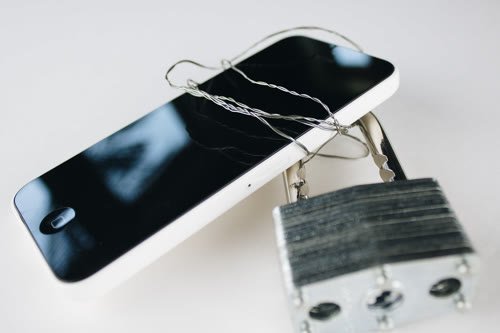
What happened (plain English): Security researchers say scammers are hunting for people who already lost access to their Instagram accounts. These fake helpers pop up in comments, direct messages, search results, and fake support pages. They promise a quick fix, then ask for payment, backup codes, login details, or the six-digit security code sent to your phone or email. Some even use a friend’s already-hacked account to ask you for a code. It looks like help, but it is really a second scam waiting for someone who is already stressed.
Why it matters to you: Panic makes people trust the wrong person. If you are desperate to get your account back, a stranger offering help can sound like a lifesaver when they are really after your account too. Once a scammer takes over, they can message your friends, post fake sales, or pretend to be you while asking other people for money. In one realistic scenario, they use your account to tell your family you are in trouble and need cash fast. In another, they lock you out for good and demand payment to give the account back.
How to protect yourself (do this):
- Do not trust random recovery experts, even if they message you after you post that you need help.
- Use only Instagram’s official recovery steps inside the real app or official website you type yourself.
- Never share backup codes, login codes, or password reset codes with anyone, including someone claiming to be support.
Published: 2026-06-16
Source: Bitdefender
3) New Android malware can fake banking screens and steal logins
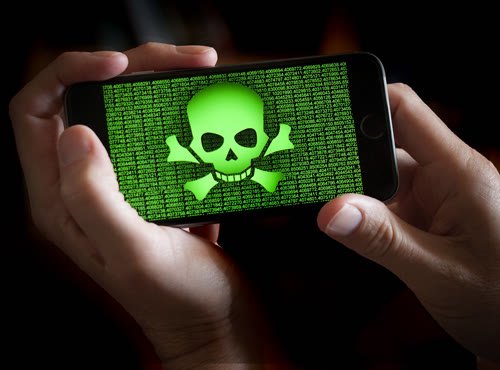
What happened (plain English): Researchers say a new Android threat called Rokarolla can infect a phone and go after banking and crypto apps. One of its nastiest tricks is putting a fake login screen on top of the real app, so people hand their username, password, and card details straight to the attacker. It can also read texts, send texts, and interfere with calls. That matters because many banks send one-time security codes by text message. Researchers said the malware spreads through shady websites that offer fake versions of popular apps like TikTok or Chrome.
Why it matters to you: This kind of malware can turn your phone against you. Even people who use two-factor codes may still get burned if the infected phone can read those codes too. A criminal could log in to your bank, grab the code sent to your phone, and move money before you notice. Another realistic risk is that the malware hides alerts or interrupts calls, making it harder for your bank to warn you that something is wrong.
How to protect yourself (do this):
- Download apps only from the official Google Play store, not from links, pop-ups, or websites offering special app versions.
- If a website tells you to install Chrome, TikTok, or another big app manually, leave the site.
- Keep Google Play Protect on, remove apps you do not recognize, and change banking passwords from a clean device if you think your phone was infected.
Published: 2026-06-17
Source: Malwarebytes
Grandma’s Firewall

This week’s simple rule:
When you are scared and trying to fix a problem fast, do not accept help from the message, comment, pop-up, or stranger that found you. Go to the real company or app yourself.
Two scripts you can steal:
- “I’m not using this link or number. I’ll open the real app or website myself and check there.”
- “No, I won’t share a code or personal details with someone who contacted me first. If this is real, I’ll verify it another way.”
![Human In[Security] Die-cut stickers](https://humaninsecurity.com/wp-content/uploads/2026/01/die-cut-stickers-satin-6x6-front-697d1d26150e0-300x300.jpg)
![Human Network In[]Security Cotton Heritage MC1082 I Men's Premium Short Sleeve Tee](https://humaninsecurity.com/wp-content/uploads/2026/01/cotton-heritage-mc1082-i-mens-premium-short-sleeve-tee-vintage-white-front-697d1df2a58b4-300x300.jpg)
![Official Human In[Security] Unisex Hoodie](https://humaninsecurity.com/wp-content/uploads/2026/01/cotton-heritage-m2580-i-unisex-premium-pullover-hoodie-carolina-blue-front-697d24c26e85b-300x300.jpg)